This old version of Proteopedia is provided for student assignments while the new version is undergoing repairs. Content and edits done in this old version of Proteopedia after March 1, 2026 will eventually be lost when it is retired in about June of 2026.
Apply for new accounts at the new Proteopedia. Your logins will work in both the old and new versions.
Sandbox Reserved 8
From Proteopedia
(Difference between revisions)
(New page: <!-- PLEASE DO NOT DELETE THIS TEMPLATE --> {{BioCrys Sandbox}} | To get started: * Click the edit this page tab at the top. Save the page after each step, then edit it again. *...) |
|||
| Line 1: | Line 1: | ||
| - | <!-- PLEASE DO NOT DELETE THIS TEMPLATE --> | ||
| - | {{BioCrys Sandbox}} | ||
| To get started: | | To get started: | ||
| + | * Click the ''edit this page'' tab at the top. <font color="red">Save the page after each step, then edit it again.</font> | ||
| - | + | * Click the '''3D''' button (when editing, above the wikitext box) to insert Jmol, similar to the one below. | |
| + | <applet load='1w6l' size='300' frame='true' align='right' caption='Insert caption here' /> | ||
| - | + | * '''show''' the Scene authoring tools, create a molecular scene, and save it. Copy the green link into the page. | |
| + | Click here to see what can be achieved <scene name='Template:Sandbox_Reserved_BioCrys/Metal_centers/5'>green link</scene> | ||
| - | + | * Add a description of your scene.-Ex. " CotA laccase from ''Bacillus subtilis'' with two '''copper centers'''" - | |
| - | + | Use the buttons above the wikitext box for''' bold''', ''italics'', [[#|links]], <big><big><b>headlines</b></big></big>, etc. | |
| - | + | More help: [[Help:Editing]] | |
| - | + | |} | |
| - | + | ||
| - | + | ||
| - | + | ||
| - | + | ||
| - | + | ||
| - | + | ||
| - | + | ||
| - | + | ||
| - | + | ||
| - | + | ||
| - | + | ||
| - | + | ||
| - | + | ||
| - | + | ||
| - | + | ||
| - | Use the buttons above the wikitext box for bold, italics, links, headlines, etc. More help: Help:Editing |} | + | |
Revision as of 13:54, 7 October 2010
| To get started:
- Click the edit this page tab at the top. Save the page after each step, then edit it again.
- Click the 3D button (when editing, above the wikitext box) to insert Jmol, similar to the one below.
|
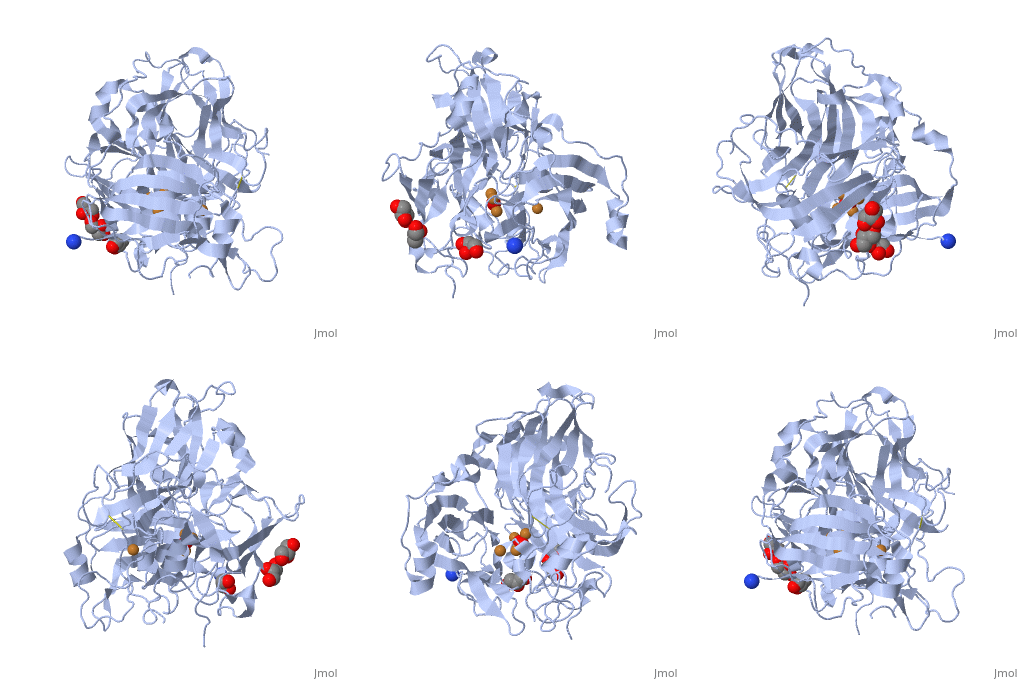
- show the Scene authoring tools, create a molecular scene, and save it. Copy the green link into the page.
Click here to see what can be achieved
- Add a description of your scene.-Ex. " CotA laccase from Bacillus subtilis with two copper centers" -
Use the buttons above the wikitext box for bold, italics, links, headlines, etc. More help: Help:Editing |}
