This old version of Proteopedia is provided for student assignments while the new version is undergoing repairs. Content and edits done in this old version of Proteopedia after March 1, 2026 will eventually be lost when it is retired in about June of 2026.
Apply for new accounts at the new Proteopedia. Your logins will work in both the old and new versions.
User:Shai Biran/Practice Proteopedia tutorial shai7
From Proteopedia
(Difference between revisions)
m |
|||
| Line 4: | Line 4: | ||
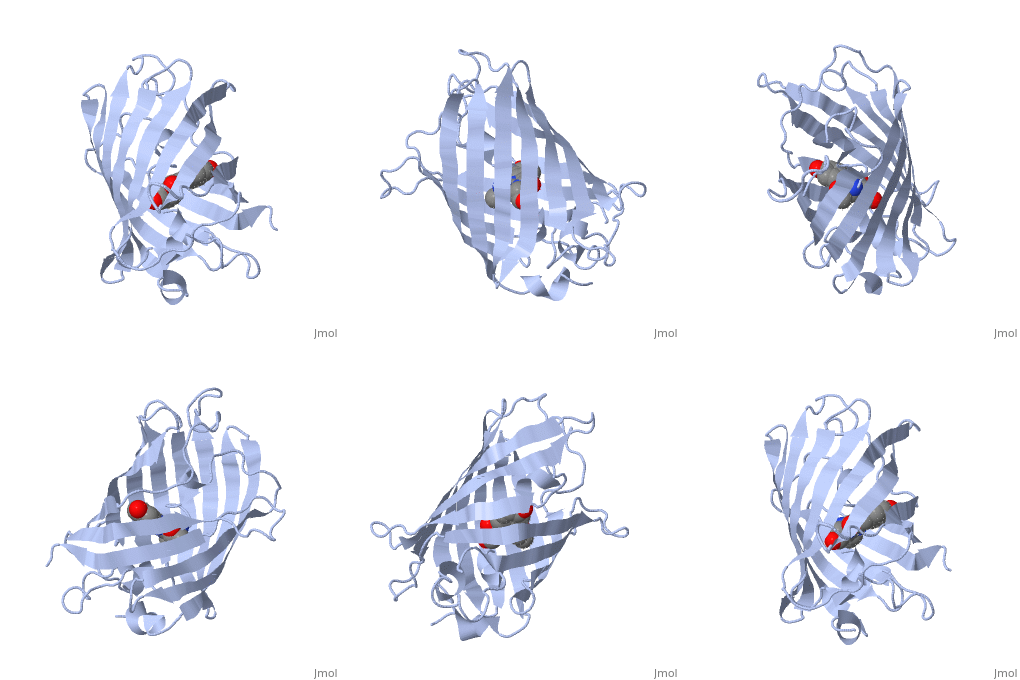
<StructureSection load='1ema' size='300' frame='true' side='right' caption='GFP ([[1ema]])' scene=''> | <StructureSection load='1ema' size='300' frame='true' side='right' caption='GFP ([[1ema]])' scene=''> | ||
| + | |||
| + | Our scene is done, so let’s save it and put it into the page. | ||
| + | Click on the “save scene” tab in the Scene Authoring Tools. Give your scene a name and a description by entering text in the “Name” and “Description” text-areas (here it is named GFP tutorial). | ||
| + | Let’s make our scene spin when it loads. In the drop down menu next to the text “when this scene loads, I want it to” choose the option “spin”. | ||
| + | Click on the “save scene” button. | ||
| + | |||
<scene name='70/703443/Tutorial_gfp/3'>GFP tutorial</scene> | <scene name='70/703443/Tutorial_gfp/3'>GFP tutorial</scene> | ||
Revision as of 13:43, 1 June 2015
Adding a GREEN SCENE LINK 2
| |||||||||||